
Возможности
Application Feature Breakdown
A complete look at every tool and utility built into the CurseForge desktop client for managing game modifications across multiple titles.
01 - Catalog
Библиотека модов и просмотр проектов
Navigate the complete index of community-created projects. Apply filters for game title, content category, popularity ranking, and most recent update date.
Available Information Per Project
- Complete version history with developer release notes
- Supported game versions and loader types (Forge, Fabric, NeoForge)
- Dependency chain visualization for modpack installations
- Creator profile pages with verification status badges
02 - Monitoring
Automatic Detection & Update Tracking
The client scans your system for installed modifications and monitors the catalog for newer releases, outdated files, and compatibility shifts with game patches.
Monitoring Functions
- Real-time status indicators: active, disabled, update pending
- Single-action bulk update for all tracked modifications
- Profile-level synchronization for Minecraft instances
- Pre-launch addon synchronization for World of Warcraft
03 - Безопасность
Verified Authors & Access Controls
Identity verification, content moderation, and permission management ensure only authorized contributors publish updates to established projects.
Защита Layers
- Automated malware scanning on every download
- Human review team for flagged and reported projects
- Warning prompts for suspicious archive override files
- Open-source detection utilities available for community audit
04 - Совместимость
Version Matching & Conflict Prevention
The application resolves dependency requirements, matches loader specifications, and surfaces compatibility warnings before you launch a game session.
Разрешение зависимостей
Required libraries install automatically alongside each modification.
Loader Separation
Forge, Fabric, and NeoForge profiles remain isolated from each other.
Conflict Alerts
Outdated addons trigger warnings before you encounter crashes.
Изоляция профилей
Separate instances keep configuration files and saved worlds clean.
05 - Multi-Title
Несколько игр Modification Поддержка
A single application manages modifications for Minecraft, World of Warcraft, The Sims 4, and dozens of additional supported titles.
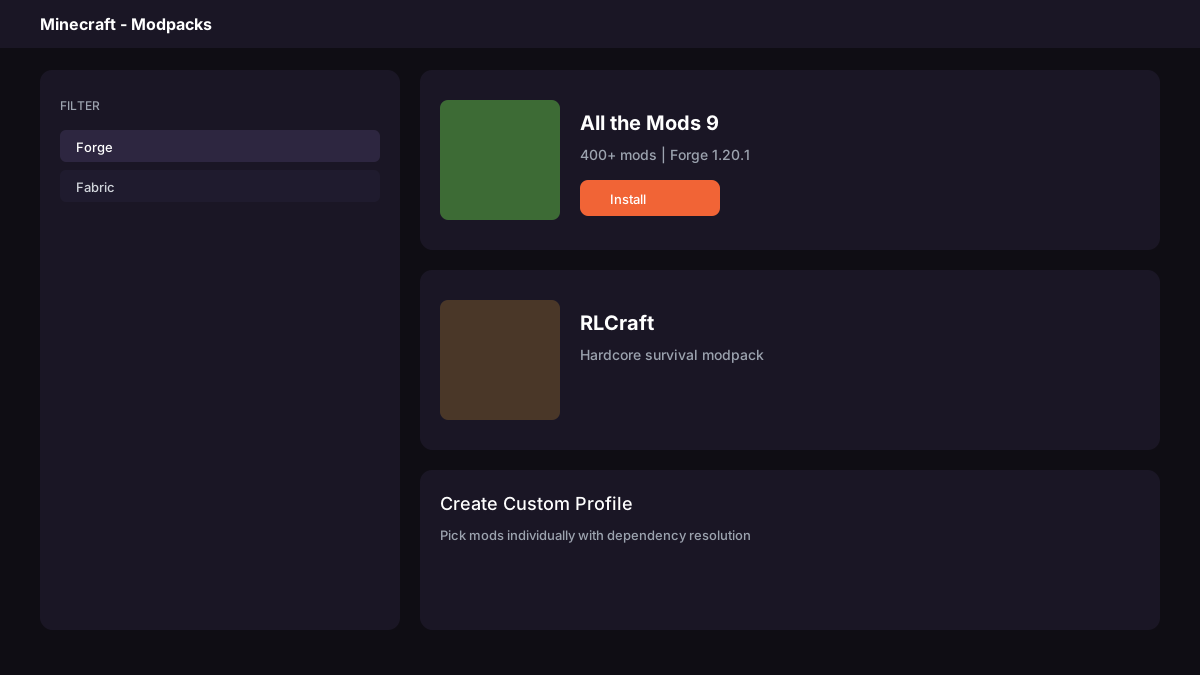
Minecraft Java и Bedrock
All the Mods 9, RLCraft, SkyFactory 4, and custom profiles with single-click deployment.
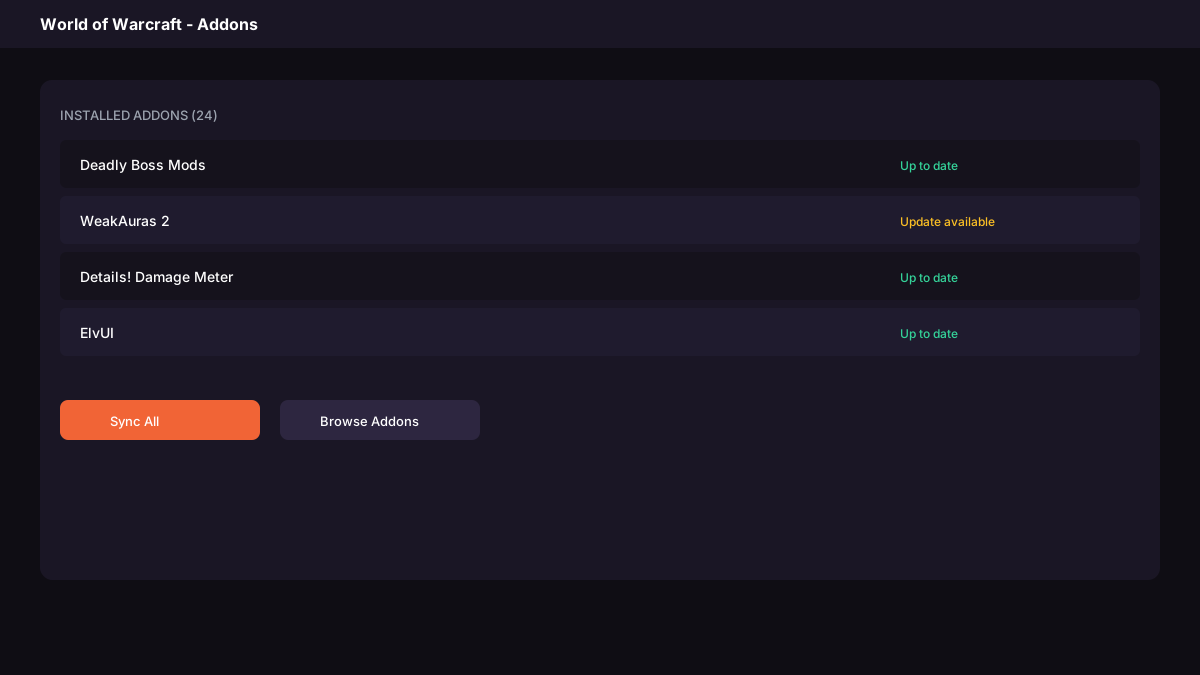
World of Warcraft
Synchronize WeakAuras, DBM, Details, ElvUI. Both Classic and Retail versions supported.
Additional Supported Titles
The Sims 4, Stardew Valley, Palworld, Minecraft Dungeons, Kerbal Space Program, Surviving Mars, Elder Scrolls Online, World of Tanks, and many more.
Creator Publishing Tools
Publish modifications with project pages, version tracking, usage analytics, and subscriber notification systems.
Ready to Install?
Скачать the application and begin managing your modifications with single-click installs and background updates.
>Скачать сейчас ↓